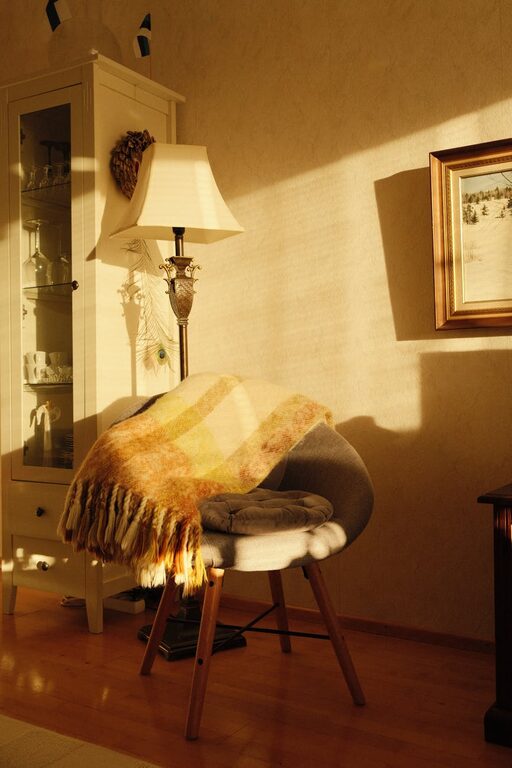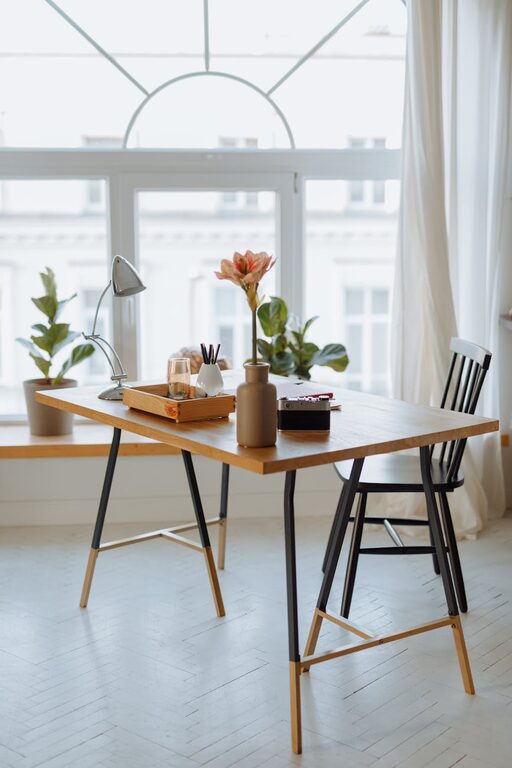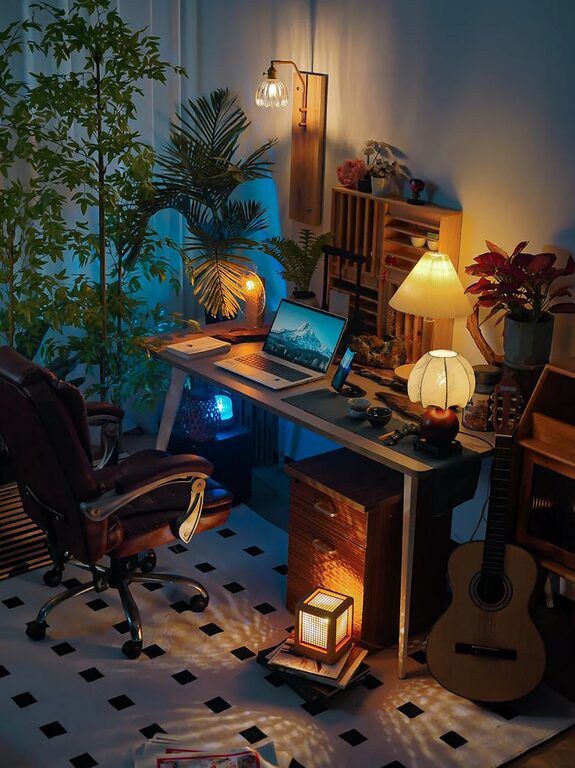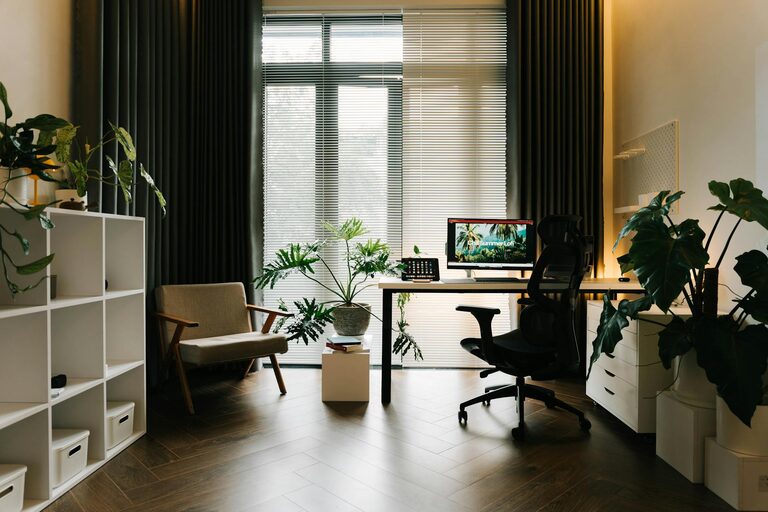




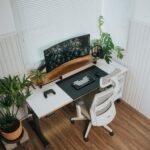


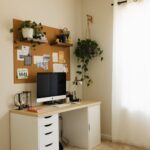


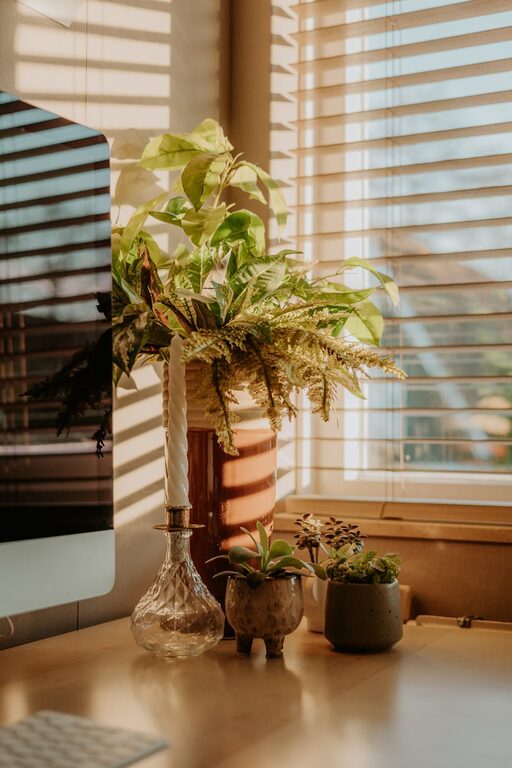
Creating a home office that is both cozy and productive can transform the way you work and feel throughout the day. Whether you’re working remotely, running a home business, or need a dedicated space for studying, a thoughtfully designed workspace supports focus, creativity, and well-being. In this post, we’ll explore practical tips to help you create a home office that’s inviting, comfortable, and efficient.
Choose the Right Location
Your home office’s location plays a major role in your comfort and concentration.
– Find a quiet spot: A low-traffic area reduces distractions.
– Consider natural light: Working near a window helps keep you energized and improves mood.
– Think about room size: Make sure you have enough space for your desk, chair, and storage.
Even a small corner can work if arranged properly.
Invest in Comfortable Furniture
Comfort directly impacts your work endurance and posture.
– Ergonomic chair: Choose a chair with lumbar support and adjustable height.
– Appropriate desk: Your desk should fit your equipment and allow for comfortable legroom.
– Additional seating: Consider a small couch or armchair for reading or breaks, if space allows.
Comfort reduces strain and helps you stay focused longer.
Optimize Lighting
Proper lighting prevents eye strain and enhances the ambiance.
– Use natural light: Position your desk near windows, but avoid glare on screens.
– Task lighting: A desk lamp with adjustable brightness provides focused light for detailed tasks.
– Ambient lighting: Soften the overall room light with lamps or fixtures to reduce contrast.
Layered lighting options let you adjust the mood as needed throughout the day.
Personalize Your Space
Adding personal touches makes the office feel welcoming and inspiring.
– Decorate with plants: Greenery improves air quality and adds a calming vibe.
– Add artwork or photos: Choose images that motivate or relax you.
– Use colors wisely: Soft, neutral tones create calmness; pops of color can stimulate creativity.
Personal items help you feel connected and comfortable in your workspace.
Keep It Organized
A tidy space promotes clear thinking and efficiency.
– Storage solutions: Use shelves, drawers, and organizers to keep supplies in order.
– Cable management: Use clips or sleeves to prevent cords from tangling.
– Daily tidying: Spend a few minutes at the end of each day tidying your desk.
An organized office reduces distractions and saves time searching for things.
Incorporate Technology Thoughtfully
Technology powers your productivity but can also clutter your space.
– Essential devices: Only keep the equipment you regularly use at hand.
– Wireless options: Wireless keyboards, mice, and printers reduce cables.
– Charging stations: Designate a spot for charging devices to stay powered without mess.
Regularly evaluate your tech setup to keep it streamlined and functional.
Promote Good Air Quality and Comfort
Physical comfort impacts your ability to work well.
– Ventilation: Open windows when possible or use an air purifier.
– Temperature control: Use fans, heaters, or humidifiers to maintain ideal temperature.
– Comfort accessories: A footrest or cushion can improve posture and reduce fatigue.
Comfortable conditions help you stay focused and healthy.
Establish Boundaries and Routine
Your mindset and habits contribute to a productive workspace.
– Define office hours: Set clear work times to separate work from home life.
– Use visual boundaries: Rugs, screens, or room dividers mark your office space.
– Take breaks: Stand, stretch, or walk regularly to refresh your energy.
Clear boundaries and routines keep you disciplined and prevent burnout.
Final Thoughts
Designing a cozy and productive home office doesn’t require a big budget or major renovations. By thoughtfully selecting a location, investing in comfort, organizing effectively, and personalizing your space, you can create an environment that supports your work and well-being. Remember, your workspace should evolve with your needs, so feel free to make adjustments as you discover what works best for you. Happy working!