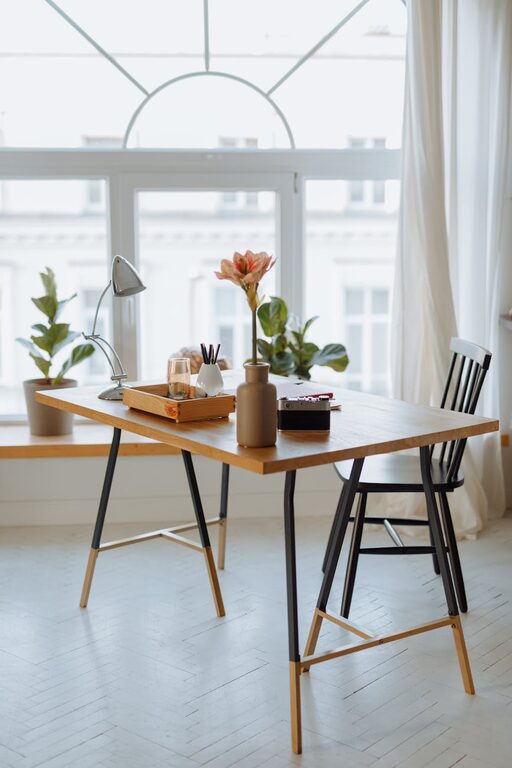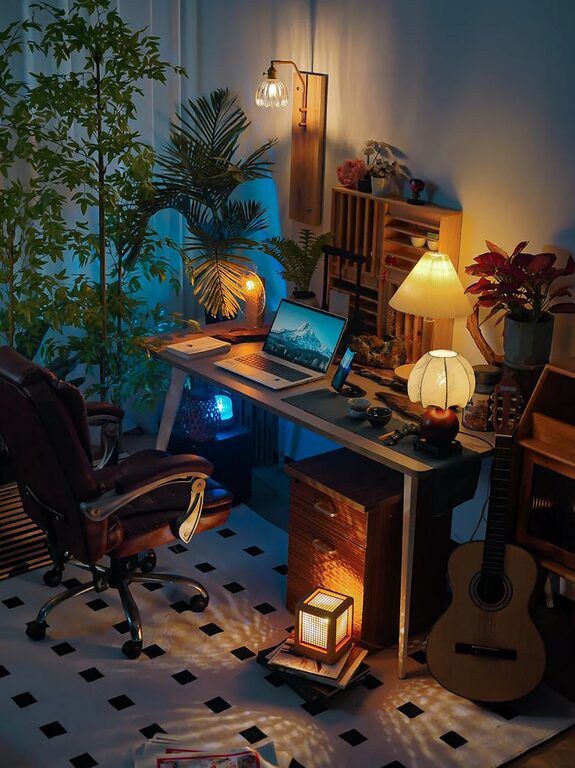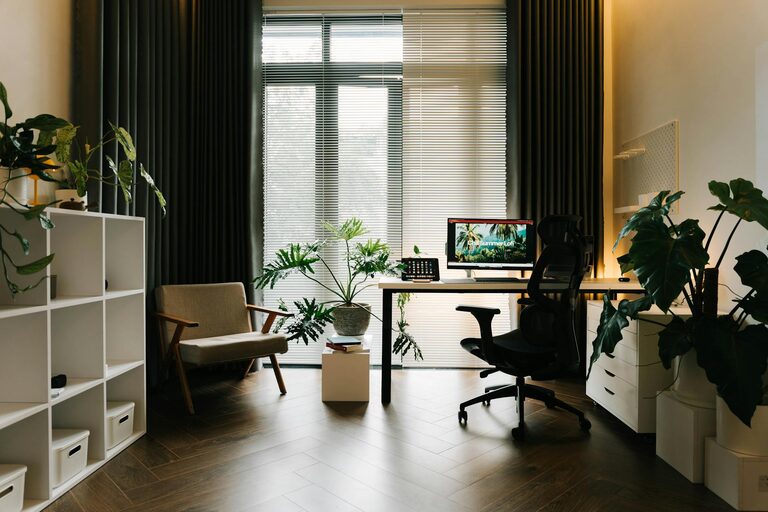








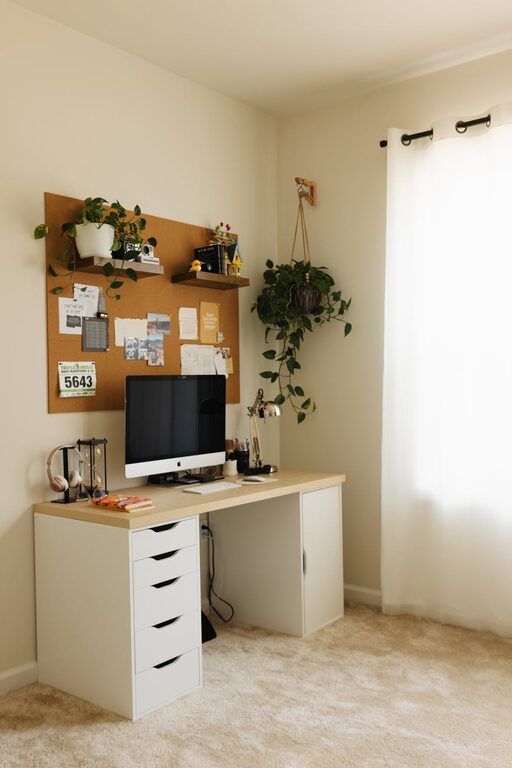
Creating a home office that feels both cozy and productive can significantly enhance your work-from-home experience. Whether you’re setting up a dedicated room or a small corner, the right environment supports focus, creativity, and well-being. In this post, we’ll explore key tips to design a home office space that balances comfort with efficiency.
Choose the Right Location
Selecting a suitable spot for your home office is the first step toward creating a productive environment. Ideally, pick a quiet area away from distractions such as the kitchen or living room TV. If possible, use a separate room to help mentally separate work from home life.
Consider Natural Light
Good lighting is essential. A spot near a window provides natural light, which can boost your mood and reduce eye strain. If natural light isn’t available, invest in quality artificial lighting, such as desk lamps with adjustable brightness and color temperature.
Invest in Comfortable Furniture
Comfort plays a big role in productivity. Choose an ergonomic chair that supports your back, and make sure your desk height fits your body. An adjustable chair and desk promote good posture and reduce fatigue during long work hours.
Desk Setup Tips
Keep your desk at a height where your arms can rest comfortably while typing. Monitor screens should be at eye level, about an arm’s length away, to avoid neck strain.
Personalize Your Space
Adding personal touches can make your home office more inviting and inspiring. Use colors, artwork, or plants that make you feel relaxed and motivated.
Use Calming Colors
Soft, neutral tones or pastels create a soothing atmosphere. Bright colors like yellow or green can stimulate creativity, so choose what works best for you.
Bring in Greenery
Indoor plants improve air quality and add life to your office. Low-maintenance plants like succulents or pothos are ideal for busy schedules.
Organize for Efficiency
A clutter-free space helps maintain focus. Use storage solutions like shelves, drawers, and organizers to keep supplies neat and within reach.
Declutter Regularly
Set aside time each week to tidy up. Clear the desk surface to start fresh each day, which helps reduce stress.
Manage Noise and Distractions
Noise can interrupt concentration, so consider noise-cancelling headphones or a white noise machine if your environment is noisy. Inform family members or roommates about your work schedule to minimize unexpected interruptions.
Incorporate Technology Wisely
Ensure your home office is equipped with the necessary technology — reliable internet, a good-quality webcam, and appropriate software tools — to stay connected and efficient.
Cable Management
Keep cords organized and out of sight to maintain a clean look and prevent tripping hazards. Use cable clips or sleeves to gather wires neatly.
Maintain Work-Life Balance
Create boundaries between work time and personal time by establishing a routine. Try to start and end your workday at consistent times and “leave” your office at the end of the day, even if your workspace is at home.
Add Comfort Elements
Small comfort items can make your workspace inviting. Consider a cozy throw blanket, a soft rug under your desk, or a good-quality water bottle to stay hydrated.
Final Thoughts
Designing a cozy and productive home office takes thoughtful planning, but the benefits are worth it. By choosing the right location, investing in ergonomic furniture, organizing effectively, and personalizing your space, you create an environment that supports your best work every day. Take the time to adjust and improve your setup as you discover what works best for your unique needs.